
Mods & modpacks
Minecraft modpacks for Fabric, Forge, NeoForge and Quilt
Cubiq Launcher is a Minecraft mod launcher with Modrinth and CurseForge built in. Pick a mod loader, install single mods or a complete modpack with one click, share your own pack with a code and keep it up to date – without leaving the app.
Free · Open source (GPL-3.0) · Windows & Linux
Every mod loader, set up for you
Create an instance with Vanilla, Fabric, Quilt, Forge or NeoForge for any Minecraft release from 1.7.10 up to the newest version. The launcher installs the loader, its libraries and the right Java for you – no installer files to run, no folders to copy.
Every instance has its own mods, resource packs, shaders, data packs and worlds, so a big tech modpack and a light Fabric setup live side by side without getting in each other’s way.
Modrinth and CurseForge in one place
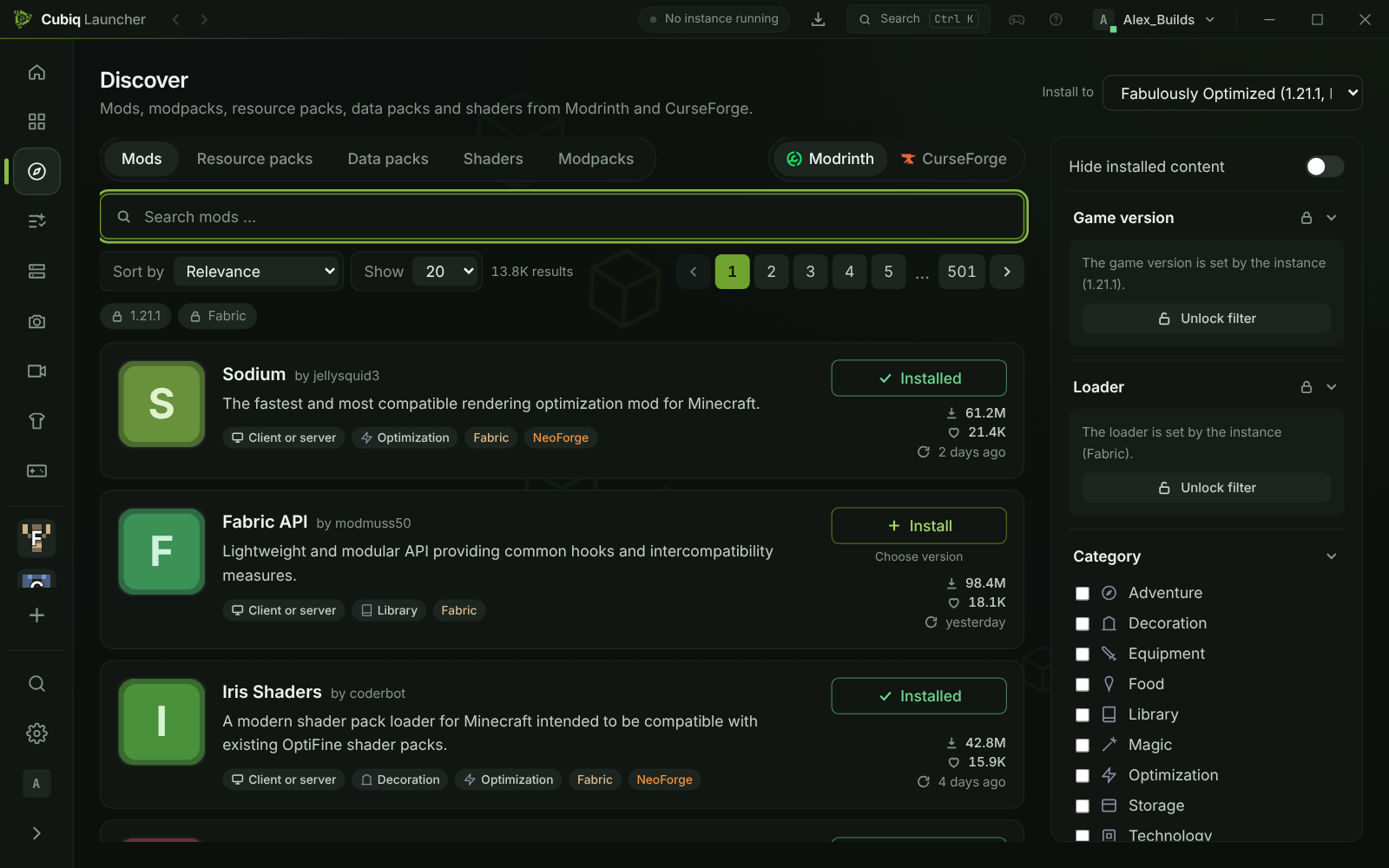
The Discover page searches mods, modpacks, resource packs, shaders and data packs on Modrinth and CurseForge – one switch changes the platform, the filters stay the same. Every project has its own page with description, gallery, versions and dependencies.
Install a mod and its required dependencies come along. Updates are found for content from both platforms, and you can switch a mod to another version while the instance history shows what changed. If an author only allows downloads on CurseForge itself, the launcher shows the files with a button to their page and picks them up from your downloads folder.
Install modpacks with one click
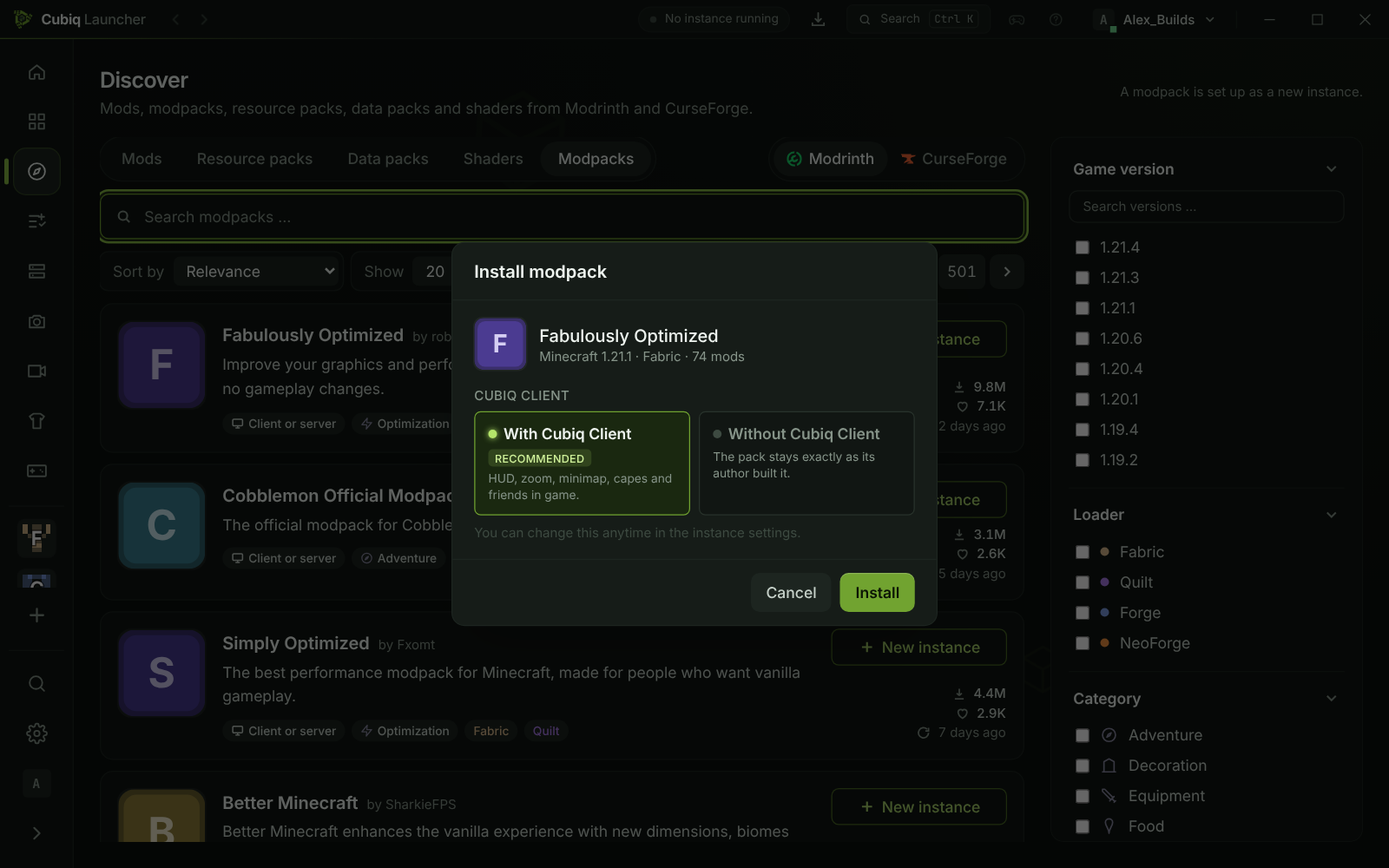
Modpacks from Modrinth and CurseForge – from Discover or as a downloaded .mrpack or .zip file – become a new instance. Big packs download large files first and several at a time, and the new instance shows its progress until everything is there.
When you install a pack you choose once whether the Cubiq Client is added. If the pack already brings mods that overlap with it, such as its own minimap or HUD, the launcher tells you which ones and preselects “Without Cubiq Client”. Your choice is saved and can be changed in the instance settings.
Mods that work together
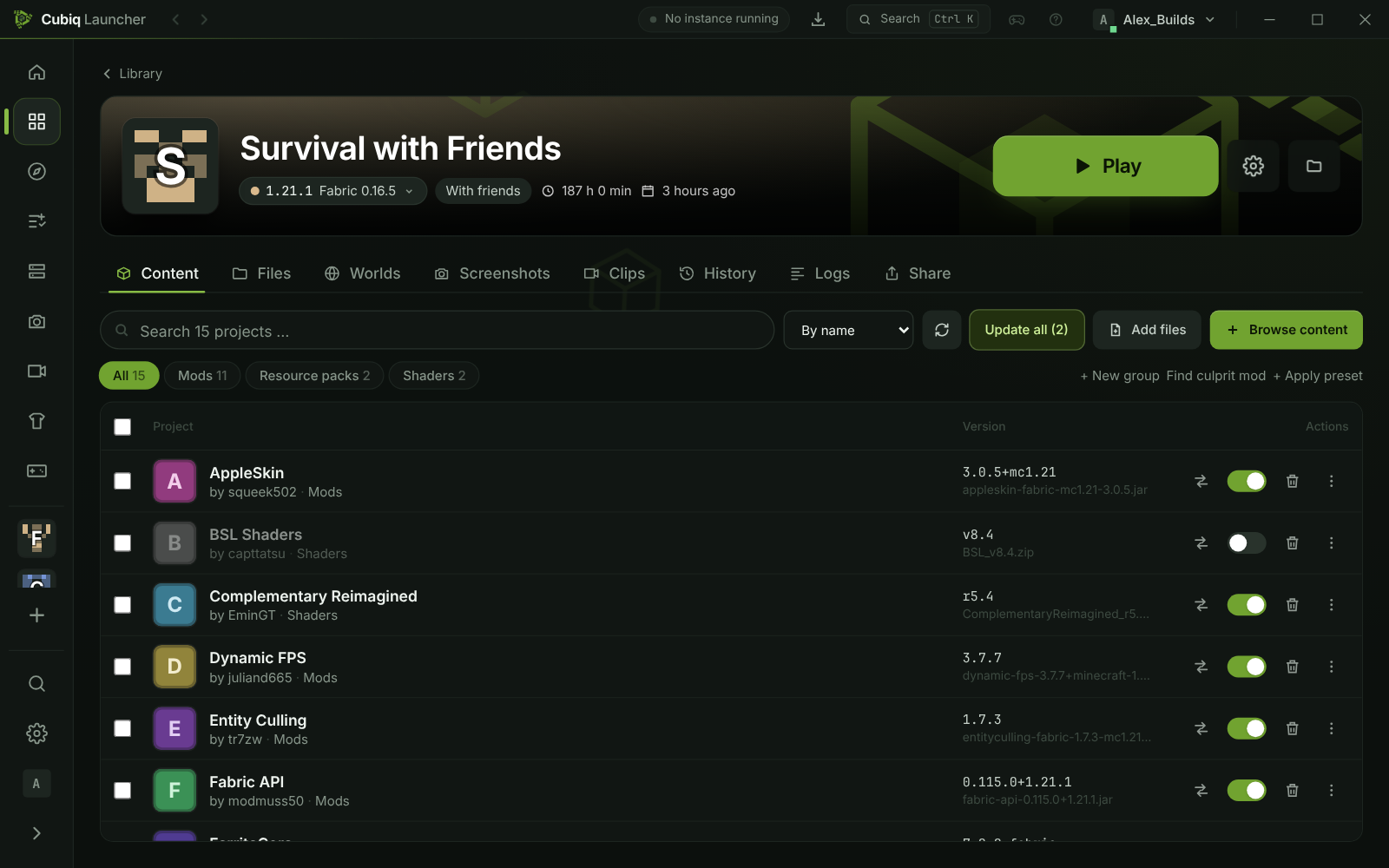
Some mods only work with certain versions of other mods. The launcher reads those rules from the mod files: presets pick versions that fit together, updates that would break another mod are held back, and before every start it checks that no mod is missing a mod it needs. If the game still crashes, the crash helper names the mods involved and offers a fix.
- Required dependencies are installed automatically
- Instances with a known clashing pair get a “Fix” button
- Your own presets: a set of mods, resource packs and shaders you can apply to any instance
Export and back up
Export any instance as a .mrpack modpack, back up a world as a ZIP or pick single files – all from the Share tab of the instance. Exported packs leave out the Cubiq Client itself and its private files.
Questions and answers
Which mod loaders does Cubiq Launcher support?
Fabric, Quilt, Forge and NeoForge – plus Vanilla – for every Minecraft release from 1.7.10 to the newest version, wherever the loader exists for that version.
Can I install CurseForge modpacks?
Yes. Install them from Discover or open a downloaded CurseForge .zip; the pack becomes a new instance. Modrinth .mrpack files work the same way.
How do I share a modpack with friends?
Open the instance, choose Share → Share modpack and pick what goes along. You get a Cubiq code and a link, or you send the pack straight to friends. They install it with Library → “Modpack by code”.
Do my own changes survive a modpack update?
Yes. When the person who shared the pack uploads a new version you see “Update”, and files you changed yourself stay as they are.
Can I use shaders?
Yes. Install shader packs from Modrinth or CurseForge, or choose the “Light shaders” or “Pretty shaders” level of the FPS boost preset, which adds Iris and a shader on Fabric, Quilt and NeoForge. Press K in the game to turn shaders on or off.
More about Cubiq Launcher
Start your next modpack
Download Cubiq Launcher for free and install your first modpack in a minute.