
Cubiq Client
The free Minecraft performance launcher with FPS boost and PvP client
The Cubiq Client is the client mod that comes with Cubiq Launcher. It adds an FPS boost, a clean PvP HUD, zoom, freelook, a minimap, emotes and capes to Minecraft – from 1.7.10 and 1.8.9 up to the newest release – and it stays fair on servers.
Free · Open source (GPL-3.0) · Windows & Linux
One client for old and new versions
The launcher adds the Cubiq Client to your instances automatically: Forge from 1.7.10, Fabric and Quilt from 1.14.4 and NeoForge, up to the newest version. Whether you play 1.8.9 PvP or the latest release, you get the same menu (Right Shift), the same modules and the same HUD editor. You can switch it off for any instance.
Module packs set the client up for your play style with one click – PvP, Redstone, Comfort or Minimal – and with the Cubiq services your modules, HUD layouts and keys follow you to every PC.
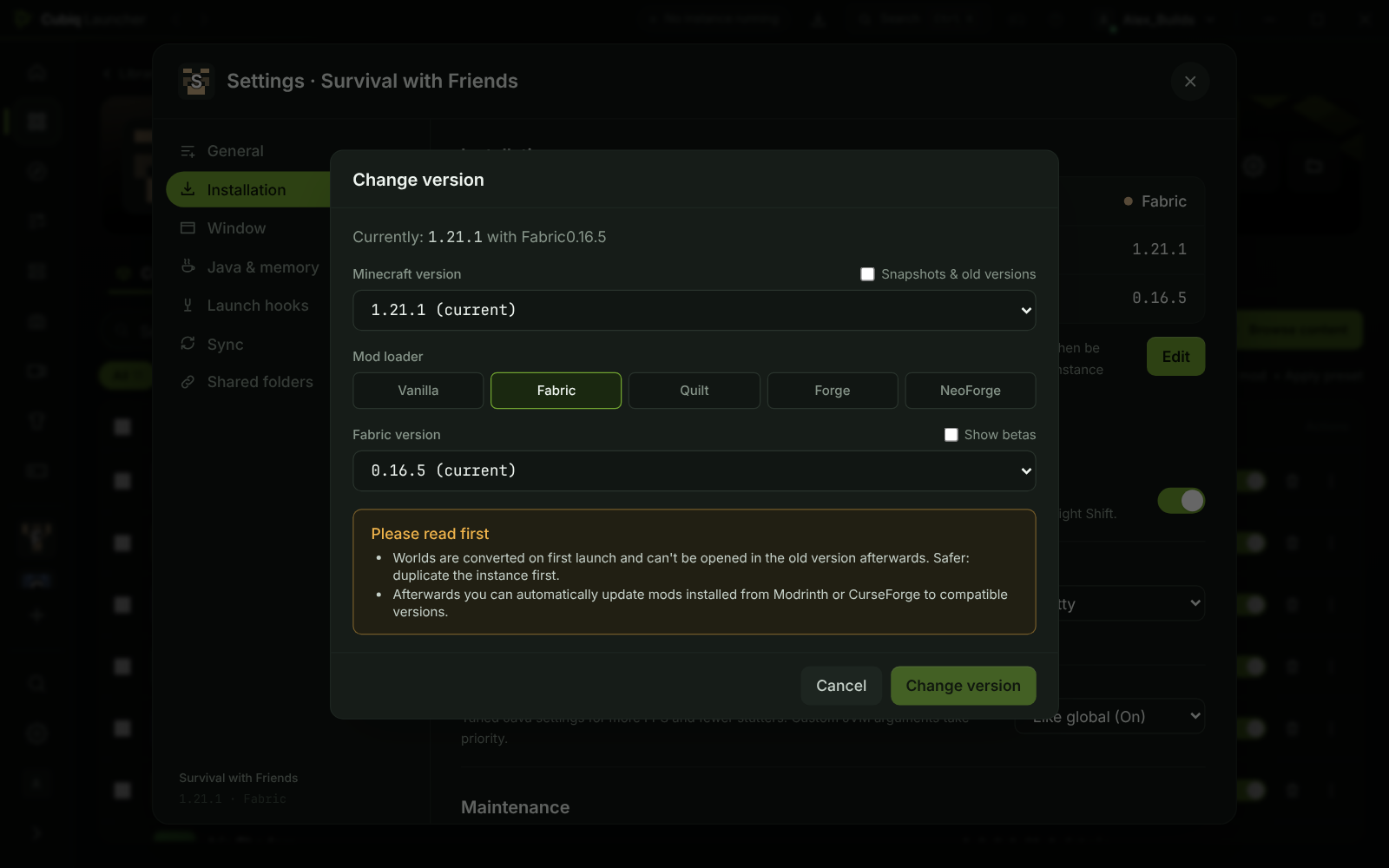
A performance launcher with an FPS boost you can measure
New instances start with an unlimited frame rate, VSync off and tuned Java settings. On Fabric the Cubiq Client brings free performance mods such as Lithium, FerriteCore, ImmediatelyFast and ModernFix wherever they exist for your version, and the launcher’s FPS boost preset adds Sodium and friends in three levels: Max FPS, Light shaders and Pretty shaders.
In the game, FPS Boost sets everything to Low, Medium or High with one click and shows the FPS before and after. A performance check finds FPS killers in your video settings and fixes them with one click, Dynamic FPS lowers the frame rate in the background, and Entity Culling skips what you cannot see. Every change can be undone.
- Graphics mode “Pretty” or “Max FPS”
- The dedicated graphics card on laptops, on Windows and Linux
- Other performance mods are detected and keep their part of the job
PvP HUD: keystrokes, CPS and counters
For PvP the Cubiq Client shows what matters in a fight: keystrokes, a CPS counter, reach, combo and speed display, an item counter for arrows, totems, potions, golden apples and ender pearls, and hit feedback with a hit marker. Add a custom crosshair, hit colour, 1.7 animations, low fire and a shield position that keeps your view clear.
The chat gets timestamps, stacked repeated messages and mentions, the ping display shows your real ping with jitter, and streamer mode hides names and server addresses.
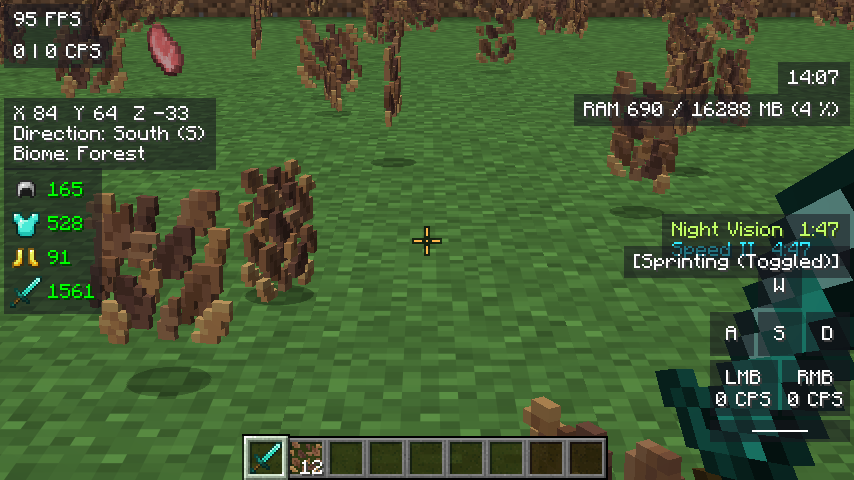
Fair play on servers
Everything in the Cubiq Client is display or comfort: no reach or hitbox changes, no auto-clicking, and hit feedback never changes your attacks. The only thing the client sends by itself is Auto-GG, which stays off until you switch it on. The minimap has a Fair Play switch – no cave view, and mobs and players only when you could see them – and servers that ask map mods for fair play are respected automatically.
Some servers ban single features such as freelook. You can switch those off, and freelook turns itself off on servers you list.
Zoom, freelook, minimap and world map
Smooth zoom (V), freelook (Left Alt) and toggle sprint and sneak are built in. The minimap glides smoothly, takes its colours from your resource pack, shows mob heads and puts far-away waypoints on its edge; indoors it looks inside buildings instead of showing the roof. Press M for a fullscreen world map with smooth zoom, a waypoint list, other dimensions and PNG export.
Emotes, capes, screenshots and notes
Open the emote wheel and wave, dance or cheer – other Cubiq players see it. Cubiq capes swing like cloth with cape physics; many are free, some are animated or in HD. After F2 a small preview lets you edit, copy or send your screenshot, and the screenshot editor crops, draws arrows and text and pixelates names. Every world and server also gets its own notebook with checklists and clickable coordinates.
See all Cubiq capes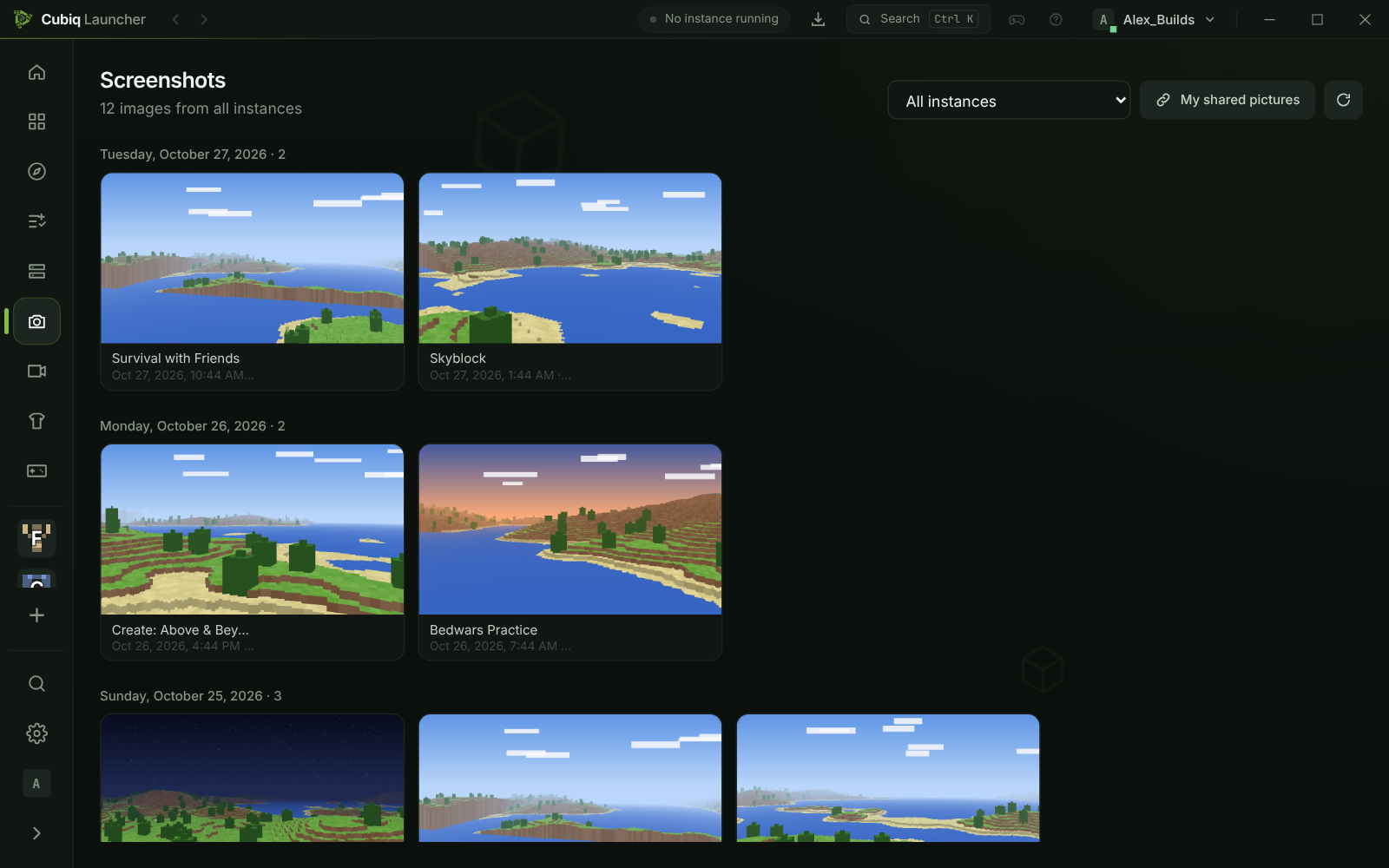
Questions and answers
Is Cubiq Launcher a performance launcher?
Yes. Cubiq Launcher sets up Java and memory for you, starts vanilla instances with the Cubiq optimization (Fabric, the Cubiq Client and performance mods under the hood) and removes the frame rate limits of new instances. It works for every version and mod loader, not only for one client version.
Is the Cubiq Client free?
Yes. The Cubiq Client comes free with Cubiq Launcher, which is open source under GPL-3.0.
Which Minecraft versions does the Cubiq Client support?
Forge from 1.7.10 (including 1.8.9), Fabric and Quilt from 1.14.4 and NeoForge, up to the newest version. A few features need newer versions, for example the circuit templates from 1.8.9.
Does the Cubiq Client really boost FPS?
It removes common FPS limits such as the default frame cap and VSync, brings performance mods on Fabric and lets you choose Pretty or Max FPS. How much you gain depends on your PC and version – FPS Boost shows the FPS before and after, so you can check.
Is the Cubiq Client allowed on PvP servers?
It only shows information your game already has and does not change reach, hitboxes or clicks. Features some servers do not allow, such as freelook, can be switched off. Always check the rules of your server.
Does it have keystrokes and a CPS counter?
Yes – keystrokes, CPS, reach, combo, speed, an item counter, ping and more. Move and resize every element in the HUD editor.
More about Cubiq Launcher
More FPS, a cleaner HUD
Download Cubiq Launcher for free – the Cubiq Client is added to your instances automatically.